Sabse pehle ek baat clear kar deta hoon — video banana pehle bahut mushkil kaam tha. Camera, editing software, aur ghanton ka time chahiye hota tha. Lekin ab situation badal chuki hai. Aaj kal ek achha Free AI Video Generator use karke aap sirf text likhkar poora video bana sakte hain.
Maine pichle kuch mahino me khud kaafi AI video tools try kiye hain, apne blog aur YouTube shorts ke liye. Isi wajah se mujhe pata hai ki kaunsa tool sach me kaam ka hai aur kaunsa sirf marketing hype hai. Agar aap bhi confuse hain ki AI Video Generator Free me se best kaunsa hai, toh yeh post aapke liye hi likha hai.
Is article me hum dekhenge top 10 tools, unke pros-cons, free plan details, aur ek honest recommendation bhi denge. Halanki koi bhi tool perfect nahi hota, par kuch tools sach me beginners ke liye kaafi useful hain. Chaliye shuru karte hain.
What is a Free AI Video Generator?
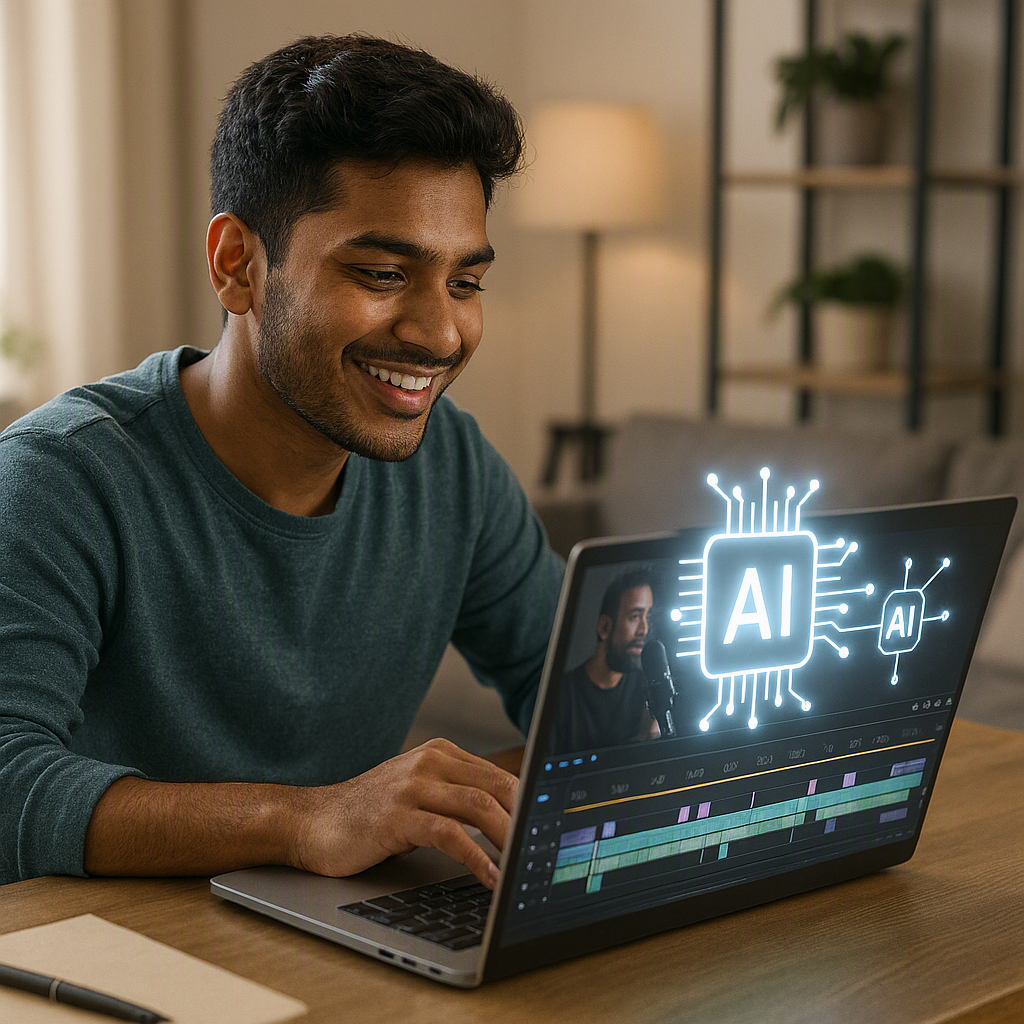
Ek Free AI Video Generator basically ek software ya website hoti hai jo aapke text, script ya images ko automatically video me convert kar deti hai. Aapko editing skills ki zarurat nahi padti.
Waise inme se zyada tools “Text to Video AI Free” feature bhi dete hain, matlab aap sirf ek prompt likhte hain aur AI khud scenes, voiceover, aur background music add kar deta hai. Iske alawa kuch tools images ko bhi animate kar sakte hain.
Mujhe lagta hai yeh technology beginners ke liye ek blessing hai, kyunki pehle jo kaam editor ya designer karte the, wahi kaam ab AI kuch minutes me kar deta hai.
Why Should You Use an AI Video Generator?
Agar aap content creator, blogger, ya small business owner hain, toh ek Free AI Video Maker aapka bahut time bacha sakta hai. Chaliye reasons dekhte hain:
- Time bachta hai — Video banane me ghanton ki jagah minutes lagte hain.
- Editing skills ki zarurat nahi — Beginners bhi easily use kar sakte hain.
- Cost effective hai — Free plans available hain, paid editor hire karne ki zarurat nahi.
- Social media ke liye perfect — Reels, Shorts, aur Instagram posts jaldi ban jaate hain.
- Consistency maintain hoti hai — Aap regularly content post kar sakte hain bina burnout ke.
Isliye main khud bhi apne quick content ke liye AI video tools ka use karta hoon. Saath hi, yeh tools un logo ke liye bhi helpful hain jo camera ke saamne aana nahi chahte.
op 10 Best Free AI Video Generator Tools (2026)
| Tool Name | Free Plan | Best For | Rating |
|---|---|---|---|
| CapCut AI | Yes (Watermark-free) | Social media shorts & reels | ⭐ 4.7/5 |
| Canva Video AI | Yes (Limited credits) | Beginners & quick edits | ⭐ 4.6/5 |
| Pika Labs | Yes (Limited generations) | Creative & cinematic AI videos | ⭐ 4.4/5 |
| Runway ML (Free Tier) | Yes (Credit-based) | Advanced AI video editing & effects | ⭐ 4.5/5 |
| InVideo AI | Yes (Watermarked) | Text-to-video blog creation | ⭐ 4.3/5 |
| Fliki | Yes (Limited minutes) | AI voiceover & narration videos | ⭐ 4.4/5 |
| Vidnoz AI | Yes | AI avatar & presenter videos | ⭐ 4.2/5 |
| Kaiber | Yes (Limited credits) | Music videos & artistic animations | ⭐ 4.1/5 |
| Pictory | Yes (Trial only) | Blog-to-video conversion | ⭐ 4.3/5 |
| Lumen5 | Yes (Watermarked) | Marketing & brand videos | ⭐ 4.2/5 |
Detailed Review of Each Tool
1.CapCut AI
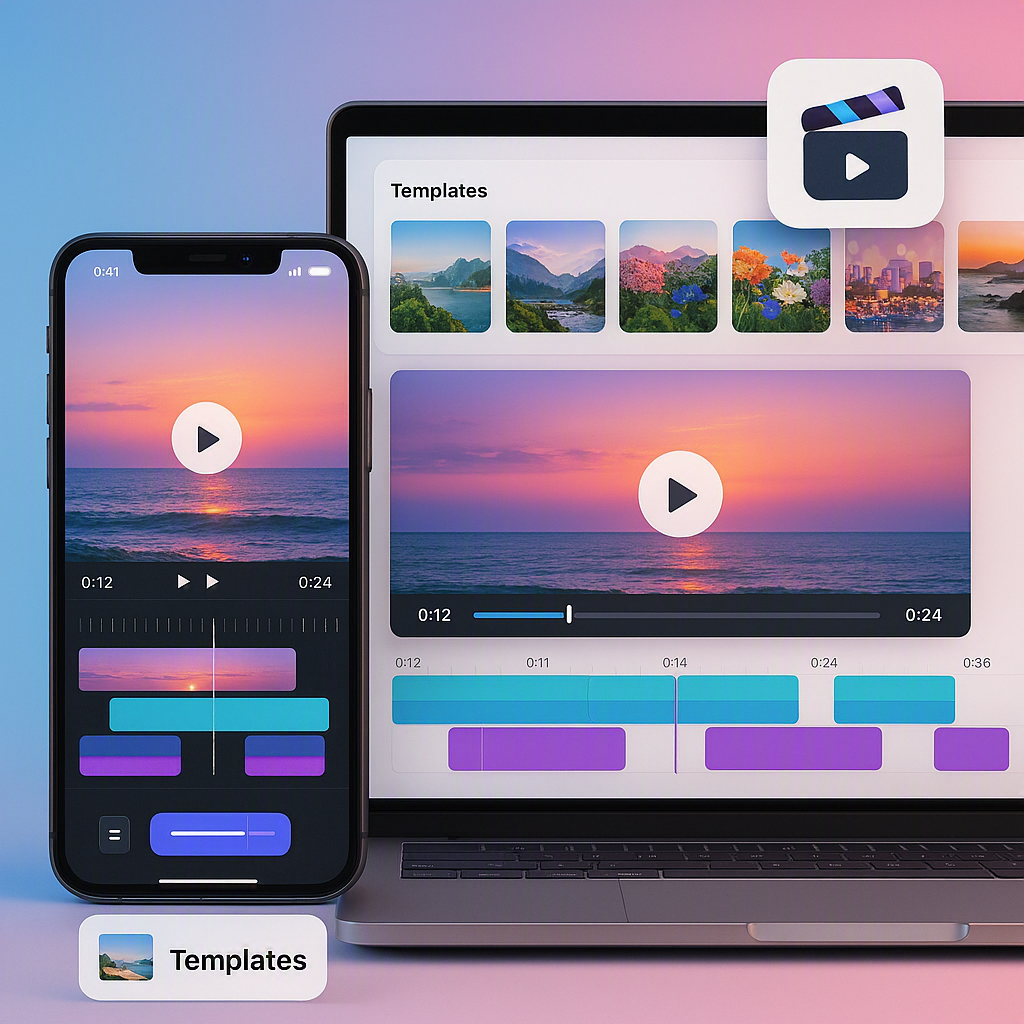
Mere hisab se CapCut sabse popular free AI video tool hai, especially India me. Yeh mobile aur desktop dono pe kaam karta hai.
Features: AI script to video, auto captions, templates, aur background removal.
Pros:
- Bahut fast aur beginner-friendly
- Mobile app bhi kaafi smooth hai
- Free plan me watermark nahi aata
Cons:
- Advanced AI effects paid plan me lock hain
- Kabhi kabhi templates repetitive lagte hain
Free Plan Details: Unlimited exports, kuch premium templates lock rehte hain.
Best For: Reels, Shorts, aur quick social media content.
2.Canva Video AI
Canva sabko pata hai design ke liye, lekin unka AI video feature bhi kaafi solid hai. Maine notice kiya hai ki beginners iske UI ko turant samajh lete hain.
Features: Text to video, stock footage library, AI voiceover, templates.
Pros:
- Bahut simple drag-and-drop interface
- Huge template library
- Team collaboration ka option bhi hai
Cons:
- Free credits limited hote hain
- Kuch premium assets paid me lock rehte hain
Free Plan Details: Monthly limited AI credits milte hain.
Best For: Beginners jo quick aur professional-looking video chahte hain.
3.Pika Labs
Agar aap creative aur cinematic type videos banana chahte hain, toh Pika Labs try kar sakte hain. Yeh generative AI use karta hai jo text se realistic scenes banata hai.
Features: Text to video, image to video, style customization.
Pros:
- Output kaafi creative aur unique aata hai
- Community bhi active hai, tips milte rehte hain
Cons:
- Free generations limited hain
- Beginners ke liye thoda learning curve hai
Free Plan Details: Limited monthly generations, watermark optional.
Best For: Artistic aur experimental short clips.
4.Runway ML (Free Tier)
Runway ek professional-grade tool hai jo filmmakers bhi use karte hain. Free tier me kuch credits milte hain try karne ke liye.
Features: Green screen AI, motion brush, text to video, video editing tools.
Pros:
- Advanced features free tier me bhi try kar sakte hain
- High-quality output
Cons:
- Free credits jaldi khatam ho jaate hain
- Beginners ke liye thoda complex interface
Free Plan Details: Limited free credits, ek baar use hone ke baad renew nahi hote easily.
Best For: Advanced users jo cinematic effects chahte hain.
5.InVideo AI
InVideo ka AI feature blog posts ya articles ko directly video me convert kar deta hai. Isi wajah se yeh bloggers ke beech kaafi popular hai.
Features: URL to video, script generation, voiceover, stock library.
Pros:
- Blog content ko video banana bahut easy hai
- Templates professional lagte hain
Cons:
- Free plan me watermark aata hai
- Export quality free me limited hoti hai
Free Plan Details: Watermark ke saath limited exports.
Best For: Bloggers jo apna content video me repurpose karna chahte hain.
6.Fliki
Fliki mainly voiceover-based videos ke liye best hai. Agar aapko natural sounding AI voice chahiye, toh yeh acha option hai.
Features: Text to speech, AI avatars, multi-language support.
Pros:
- Voice quality kaafi natural lagti hai
- Hindi sahit kai languages support karta hai
Cons:
- Free minutes kam milte hain
- Video templates zyada advanced nahi hain
Free Plan Details: Limited minutes per month.
Best For: Voiceover-heavy explainer videos.
6.Vidnoz AI
Vidnoz apne AI avatar feature ke liye jana jata hai. Agar aap camera ke saamne nahi aana chahte, toh AI presenter use kar sakte hain.
Features: AI avatars, script to video, multiple languages.
Pros:
- Presenter-style videos banana easy hai
- Free plan generous lagta hai beginners ke liye
Cons:
- Avatar movements kabhi kabhi robotic lagte hain
- Advanced customization paid me hai
Free Plan Details: Limited avatar minutes free me milte hain.
Best For: Business explainer ya training videos.
7.Kaiber
Kaiber music aur artistic content creators ke liye best hai. Yeh visuals ko music ke saath sync karta hai.
Features: Music-synced video generation, style transfer, animation.
Pros:
- Unique aur artistic output milta hai
- Music creators ke liye perfect fit
Cons:
- Free credits bahut limited hain
- Sabke liye useful nahi, niche audience hai
Free Plan Details: Limited monthly credits.
Best For: Music videos aur artistic animations.
7.Pictory
Pictory long blog posts ya articles ko summarized video me convert karta hai. Content creators ke liye kaafi time-saving hai.
Features: Blog to video, auto captions, stock footage.
Pros:
- Long content ko jaldi video me convert kar deta hai
- Captions automatically accurate hote hain
Cons:
- Free plan sirf trial jaisa hai
- Long-term free use possible nahi
Free Plan Details: Sirf trial period ke liye free access.
Best For: Blog to video repurposing.
8.Lumen5
Lumen5 marketing aur brand-focused videos ke liye popular hai. Small businesses isko kaafi use karte hain.
Features: Text to video, brand kit, templates.
Pros:
- Marketing templates ready-made milte hain
- Brand consistency maintain karna easy hai
Cons:
- Free plan me watermark compulsory hai
- Customization options limited hain
Free Plan Details: Watermarked exports free me.
Best For: Small business marketing videos.
Comparison Table
| Tool | Watermark (Free) | Ease of Use | AI Voice | Best Use Case |
|---|---|---|---|---|
| CapCut AI | No | Very Easy | Yes | Social Media |
| Canva Video AI | No | Very Easy | Yes | General Purpose |
| Pika Labs | Optional | Medium | No | Creative Clips |
| Runway ML | Yes | Hard | No | Cinematic Effects |
| InVideo AI | Yes | Easy | Yes | Blog to Video |
| Fliki | No | Easy | Yes | Voiceover Videos |
| Vidnoz AI | No | Easy | Yes | Avatar Presenter |
| Kaiber | Yes | Medium | No | Music Videos |
| Pictory | Yes (trial) | Easy | Yes | Blog Repurposing |
| Lumen5 | Yes | Easy | No | Marketing |
Which Tool Do I Personally Recommend?
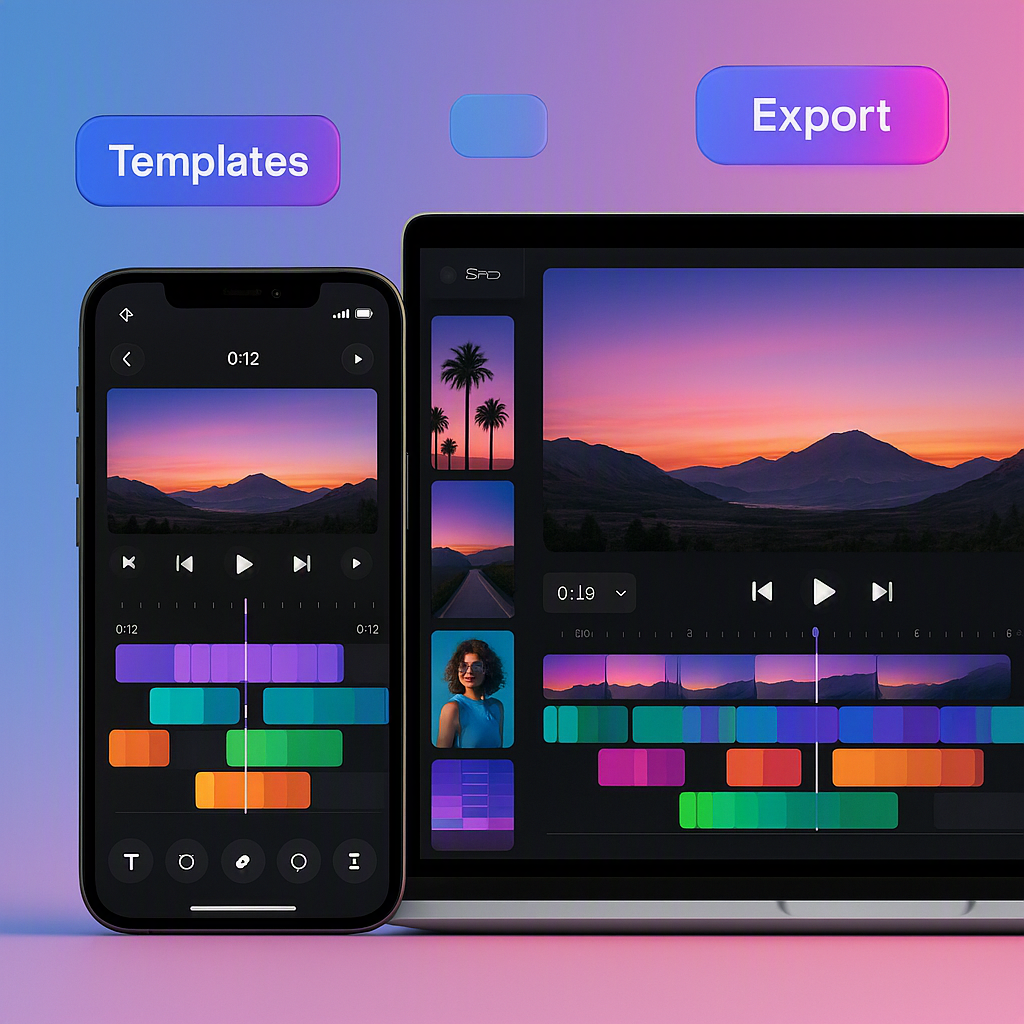
Mujhe lagta hai agar aap beginner hain aur social media content banana chahte hain, toh CapCut AI sabse best choice hai. Isme watermark bhi nahi aata free plan me, aur interface itna simple hai ki koi bhi easily seekh sakta hai.
Mere experience me, agar aap blog content ko video me convert karna chahte hain, toh InVideo AI ya Pictory dono acha kaam karte hain. Halanki, watermark ek issue ban sakta hai agar aap professional look chahte hain.
Dusri taraf, agar budget thoda flexible hai aur aap serious content creator hain, toh Canva Video AI ek balanced choice hai — design aur video dono ek jagah mil jaate hain. Aakhir me, choice aapke goal pe depend karti hai — social media, blog, ya business marketing.
Tips to Get Better AI Videos
Agar aap chahte hain ki aapka AI generated video professional lage, toh yeh tips follow karein:
- Script clear rakhein — Jitna simple aur clear prompt hoga, utna acha output milega.
- Templates customize karein — Default template use na karein, thoda personalize karein.
- Background music add karein — Yeh video ko zyada engaging banata hai.
- Captions zaroor add karein — Kyunki zyada log bina sound ke video dekhte hain.
- Multiple tools try karein — Har tool ki apni strength hoti hai, isliye combination use karna better hota hai.
Isi wajah se main hamesha suggest karta hoon ki ek hi tool pe depend na rahein, balki 2-3 tools ko apne workflow me mix karein.

Frequently Asked Questions
1. Kya Free AI Video Generator tools sach me free hote hain?
Haan, zyada tools free plan dete hain, lekin usually limited credits ya watermark ke saath.
2. Best Free AI Video Generator kaunsa hai beginners ke liye?
CapCut AI aur Canva Video AI beginners ke liye sabse asaan hain.
3. Kya AI video generator se YouTube content bana sakte hain?
Bilkul, kaafi creators already in tools ka use YouTube Shorts ke liye kar rahe hain.
4. Text to Video AI Free tools kitna accurate hote hain?
Accuracy tool pe depend karti hai, lekin recent tools kaafi improve ho chuke hain.
5. Kya in tools me Hindi language support hota hai?
Kuch tools jaise Fliki aur Vidnoz Hindi voiceover support karte hain.
6. Kya free plan me watermark hamesha aata hai?
Nahi, CapCut aur Canva jaise tools free plan me bhi watermark-free video dete hain.
7. AI video generator commercial use ke liye safe hai kya?
Zyada tools commercial use allow karte hain, lekin terms check karna zaroori hai.
8. Kaunsa tool business marketing videos ke liye best hai?
Lumen5 aur InVideo AI business aur marketing content ke liye acha option hai.